What Is Phishing and How Can Temporary Email Help Protect You?
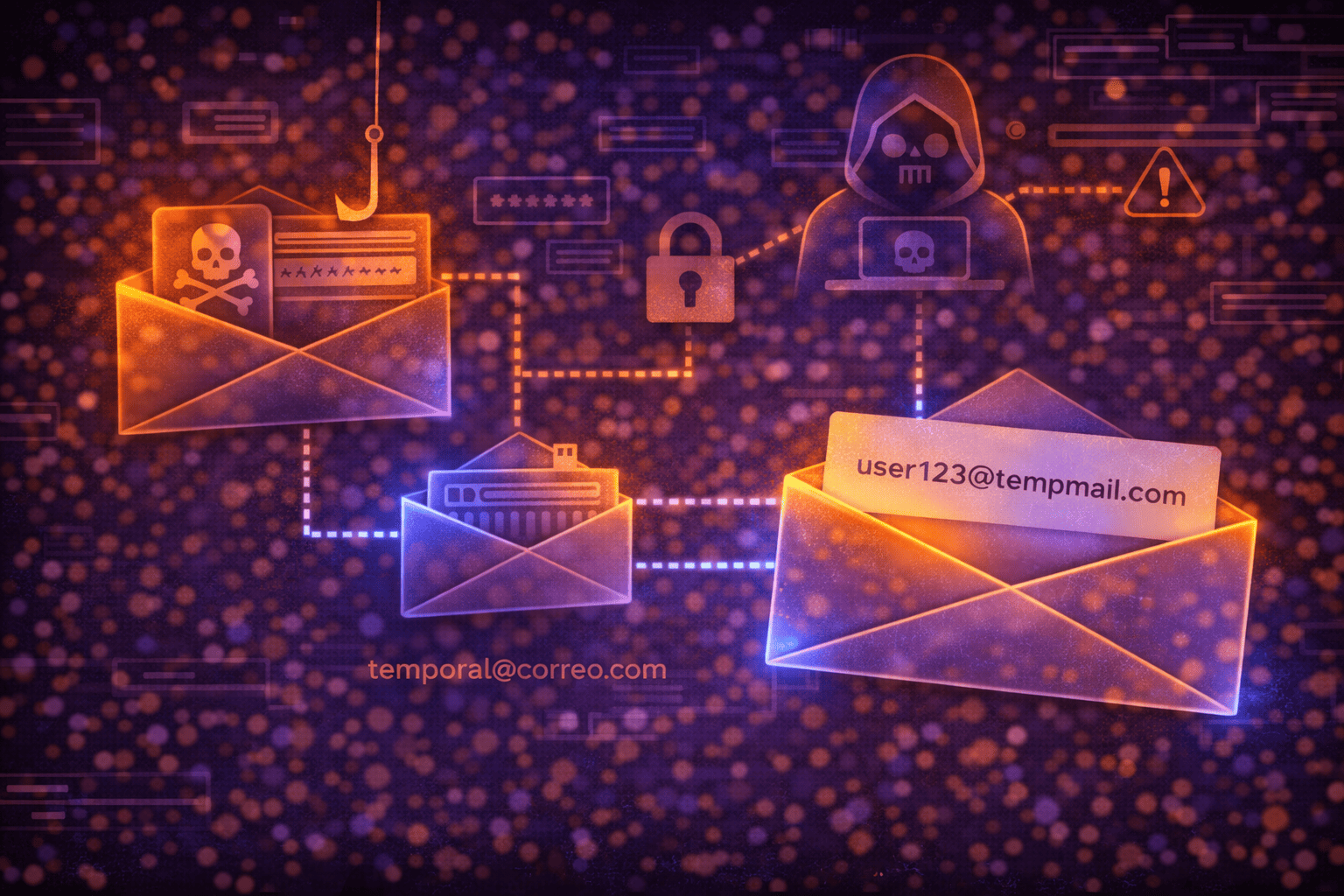
Phishing is a type of online fraud where attackers attempt to trick you into revealing personal information, such as passwords, banking details, or credit card numbers. They do this by impersonating legitimate and trusted entities like banks, tech companies, streaming services, or even government agencies. The most effective way to protect yourself is to learn how to recognize these scams and adopt robust security practices, including the strategic use of temporary email addresses to safeguard your primary address and reduce your overall exposure.
Understanding Phishing: A Persistent Online Threat
The term 'phishing' is a play on the word 'fishing,' alluding to the technique of casting a bait (the fraudulent message) in the hope that someone will bite (fall for the scam). It's a form of social engineering, where cybercriminals exploit people's trust and inattention rather than technical vulnerabilities in systems.
The danger of phishing lies in its ability to compromise your digital and financial identity. Once attackers obtain your credentials, they can gain access to your bank accounts, make fraudulent purchases, steal your identity, send spam or malware to your contacts, or even lock you out of your own accounts to demand a ransom. It's a gateway to countless problems that can have devastating consequences for your privacy and personal finances.
Common Phishing Tactics to Watch Out For
Phishing methods have evolved, but the core principle remains the same: identity impersonation and psychological manipulation. Here are the most frequent forms:
- Email Phishing: This is the most traditional method. You receive an email that appears to be from a well-known company or service. The message often contains an urgent or alarming tone (e.g., "your account has been compromised," "verify your details to avoid suspension") and includes links that direct you to fake websites mimicking legitimate ones.
- Smishing (SMS Phishing): Similar to email phishing, but carried out via text messages. Attackers send SMS with malicious links or phone numbers for you to call, posing as your bank, a parcel delivery company, or even a government agency.
- Vishing (Voice Phishing): Involves phone calls where scammers impersonate representatives of companies or institutions. They try to obtain personal or financial information directly over the phone, often using pressure tactics or creating a sense of urgency.
- Social Media and Fake Website Phishing: Attackers can create fake profiles on social media or websites that imitate popular platforms to steal credentials. They might also send direct messages with links to fraudulent surveys or giveaways that require your personal data.
How to Spot a Phishing Attempt: Key Warning Signs
Vigilance is key to protecting yourself. Learning to recognize the signs of a phishing attempt will help you avoid falling into the trap:
- Suspicious Sender: Even if the sender's name looks legitimate, always verify the full email address. It often contains typos or slightly different domains (e.g., "amaz0n.com" instead of "amazon.com").
- Grammar and Spelling Errors: Legitimate companies typically proofread their communications. A message with spelling mistakes, poor grammar, or awkward phrasing is a major red flag.
- Strange or Shortened Links: Before clicking any link, hover your cursor over it (without clicking) to see the actual URL it directs to. If the address doesn't match the company supposedly sending the message, it's likely a scam. Avoid shortened links if you're unsure of their origin.
- Urgent Requests for Personal Information: No legitimate entity will ask you to send passwords, credit card numbers, or banking information via email or message. If sensitive data is requested urgently, be suspicious.
- Unexpected Attachments: Do not open attachments from unknown senders or if the email seems suspicious, even if the sender is known but the content is unusual. They could contain malware.
- "Too Good to Be True" Offers: If a message promises prizes, incredible discounts, or easy money, it's highly probable that it's a trick.
The Role of Temporary Email in Reducing Phishing Risk
Temporary email addresses, such as those offered by MailTemp.co, are a valuable tool for reducing your exposure to phishing attempts and spam. They act as a shield between your primary email address and websites or services you don't fully trust or only plan to use once.
By using a temporary email, you can:
- Protect Your Primary Address: You prevent your personal or work email, used for critical services, from circulating in marketing databases or becoming a target for cybercriminals.
- Isolate Potential Attacks: If a temporary email is compromised or receives spam, the impact is confined to that disposable address, without affecting your main inbox.
- Reduce Exposed Personal Data: By not using your primary email for every registration, you decrease the digital footprint associated with your real identity.
MailTemp.co offers a flexible solution for these needs. You can get an instant guest inbox for one-off uses without the need for registration. For those requiring more advanced management, MailTemp.co also offers registered accounts with saved addresses, allowing you to maintain control over your temporary emails long-term. These accounts can include unified inboxes and storage, depending on your active plan and quota, meaning the retention of your emails is not universally limited to minutes or hours, but can extend according to your needs.
It's important to remember that while temporary emails significantly reduce exposure and the risk of receiving spam or phishing attempts in your primary inbox, they do not guarantee absolute anonymity, total security, identity protection, or zero risk. They are a layer of defense, not an infallible solution. Furthermore, you should never use a temporary email for critical services like your bank, main social media accounts, or as a recovery address for your important accounts, as they are not designed for that purpose.
Essential Cybersecurity Practices Beyond Temporary Email
Defense against phishing and other digital threats is an ongoing effort that extends beyond using temporary emails. Here are other essential practices:
- Enable Two-Factor Authentication (2FA): For all your important accounts, activate 2FA. This adds an extra layer of security, requiring a second verification method (like a code sent to your phone) in addition to your password.
- Use Strong and Unique Passwords: Create long, complex, and different passwords for each service. Consider using a password manager to help you remember them.
- Keep Your Software Updated: Ensure your operating system, web browser, and security programs (antivirus, firewall) are always up to date. Updates often include important security patches.
- Always Verify the URL Before Logging In: Before entering your credentials on any website, check that the URL in the address bar is correct and that the connection is secure (look for "https://" and the padlock icon).
- Be Skeptical: Develop a critical mindset towards any unexpected communication or anything that asks for personal information. If in doubt, contact the company or institution directly through their official channels (do not use contact details from the suspicious message).
- Do Not Use Temporary Emails for Critical Services: As mentioned, temporary emails are excellent for non-essential registrations, but for your bank, financial services, health accounts, or main social media, use your permanent and well-protected email address.
Phishing is a persistent threat in the digital world, but it is not invincible. By combining personal vigilance with protective tools like MailTemp.co's temporary emails and other good cybersecurity practices, you can significantly reduce your risk of becoming a victim. Stay informed, be cautious, and protect your personal information with a layered defense strategy.
Comments: