Temporary Email vs. Email Alias: Choosing the Best for Your Privacy
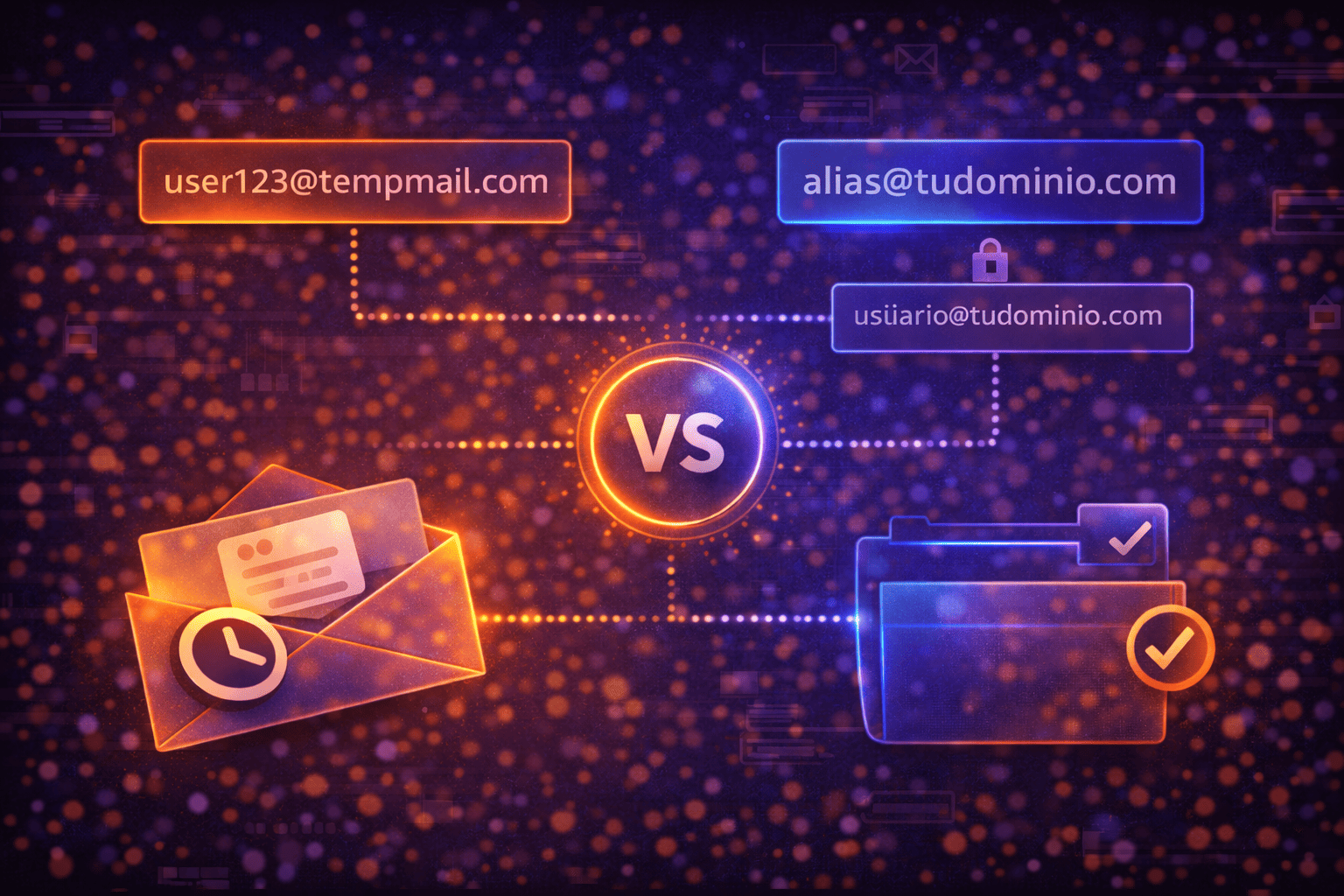
In our increasingly digital world, safeguarding your primary email inbox from spam, unwanted messages, and potential data breaches has become a critical priority. To achieve this, two powerful tools stand out: temporary email and email aliases. While both aim to protect your privacy, their functionality and purpose differ significantly. Understanding these distinctions is key to choosing the right option for each specific situation.
The choice between a temporary email and an email alias hinges on your specific privacy and management needs. A temporary email is ideal for one-off situations where you want to leave minimal trace, such as quick sign-ups on unfamiliar websites or single downloads, offering a layer of exposure reduction and disposability. On the other hand, an email alias is a secondary address that forwards messages to your main inbox, useful for organizing and filtering communications from services you moderately trust, allowing you to maintain control without directly exposing your real address. Often, the most effective strategy involves using both tools strategically to create a robust defense for your digital life.
What is Temporary Email and When to Use It?
A temporary email, also known as a disposable or burner email, is an email address created instantly and designed for short-term use. Its primary characteristic is its ephemeral nature, making it an excellent tool for reducing your digital footprint and preventing spam.
Key Characteristics of Temporary Email
- Instant Creation: Services like MailTemp.co allow you to generate an address instantly, ready for use, often without requiring any registration or personal information. This includes a guest inbox for immediate use.
- Reduced Exposure: Not directly linked to your real identity or primary email, a temporary email offers a significant layer of privacy. It's perfect for situations where you don't fully trust a website or only need one-time access.
- Disposability and Flexible Retention: While many services offer inboxes that might last only minutes or hours, platforms like MailTemp.co provide more flexibility. Registered users can save addresses and unify inboxes, offering retention not universally limited to short periods, depending on their active plan and quota. This allows truly disposable use or longer maintenance if needed.
- Spam Barrier: Its most popular function. Using a temporary email for registrations, downloads, or trials prevents your main inbox from being flooded with unwanted advertisements.
Ideal Situations for Using a Temporary Email
Think of a temporary email as a disposable shield for your primary address. It's perfect for:
- Signing up for unknown or suspicious websites: If a site asks for an email to access content or download a file, but you're unsure about its reliability or data usage.
- Testing services or applications: Explore features without leaving a permanent digital footprint before committing to a subscription.
- Participating in one-off contests or promotions: Prevents your main email from being bombarded with future offers and unwanted newsletters.
- Accessing public Wi-Fi networks: Allows access without compromising your real address when an email is required.
- Protecting against potential data breaches: If a service registered with a temporary email suffers a breach, your primary address remains unaffected, minimizing impact.
It's crucial to remember that while temporary email significantly reduces unnecessary exposure, it does not guarantee absolute anonymity, complete security, identity protection, or zero risk. Its primary purpose is to minimize your digital trail and shield your main inbox from unwanted communications.
What is an Email Alias and When to Use It?
An email alias is an alternative email address linked to your primary email account. It functions as a "mask" for your main address, allowing you to receive emails sent to the alias directly in your primary inbox without revealing your actual email address to the sender. Aliases are typically managed within your existing email service provider.
Key Characteristics of Email Aliases
- Forwarding Mechanism: All emails sent to an alias are automatically redirected to your main inbox, meaning you check only one inbox.
- Linked to a Permanent Account: Aliases are intrinsically tied to your permanent email address. Deleting your main account inactivates associated aliases.
- Sender Control: Many email providers allow you to send emails from your alias, further protecting your primary address.
- Organization and Filtering: Excellent for categorizing incoming mail. Create specific aliases (e.g., "[email protected]") and set up filters to automatically sort messages.
- Long-Term Use: Designed for sustained use, suitable for services or contacts you intend to interact with over a long period.
Ideal Situations for Using an Email Alias
Consider an email alias as a permanent, organized extension of your main inbox. It's ideal for:
- Online shopping and subscriptions: Use a dedicated alias for all online retail purchases and newsletter subscriptions. If spam arrives, you know the source.
- Professional networking: Keep your personal email private while having a professional-looking address for networking or side projects.
- Managing different aspects of your life: Create aliases for banking, social media, or hobbies to quickly identify email sources and manage your digital identity.
- Testing new services with moderate trust: A good middle ground if you're signing up for a legitimate service but aren't ready to give your primary email.
- Customer support interactions: Helps track specific issues and prevents your main inbox from being cluttered with follow-up emails.
While aliases offer excellent organizational benefits and a layer of privacy by obscuring your main address, they do not offer the same level of disposability as temporary emails. If an alias is compromised, it can still lead to unwanted emails reaching your primary inbox, though you can often disable or delete the alias to stop the flow.
Key Differences: Temporary Email vs. Email Alias
To help you decide, let's summarize the core distinctions between these two privacy tools:
Purpose and Lifespan
- Temporary Email: Designed for short-term, one-off use, primarily for disposability and immediate spam prevention. Lifespan can range from minutes to hours for guest users, but registered MailTemp.co users can save addresses for longer retention.
- Email Alias: Intended for long-term use. Its purpose is to mask your primary email, organize incoming mail, and provide a persistent, alternative contact point without revealing your main address.
Anonymity and Exposure
- Temporary Email: Offers a higher degree of anonymity and significantly reduces exposure, as it's typically not linked to your real identity or main account. It's a true "burner."
- Email Alias: Provides privacy by hiding your main address, but it is still fundamentally linked to your permanent email account. It's a "mask," not a truly anonymous or disposable identity.
Management and Control
- Temporary Email: Minimal management required. You generate it, use it, and often discard it. MailTemp.co offers guest inboxes for instant use and registered accounts for more control over saved addresses.
- Email Alias: Requires management within your primary email provider. You create, enable, disable, or delete aliases as needed, offering more control over specific communication channels.
Use Cases
- Temporary Email: Best for untrusted websites, one-time downloads, quick registrations, public Wi-Fi access, and situations where you want to leave virtually no trace.
- Email Alias: Best for trusted or moderately trusted services, online shopping, newsletters, professional contacts, and organizing different aspects of your digital life.
Security and Risk
- Temporary Email: Reduces the risk of your primary email being exposed in data breaches. If a temporary address is compromised, your main inbox remains safe. However, it does not guarantee absolute security or identity protection for the user.
- Email Alias: If an alias is compromised, it can lead to spam in your primary inbox, but you can usually disable the alias. Your primary address itself is not directly exposed, offering a layer of protection.
Choosing the Right Tool for Your Needs
Deciding between a temporary email and an email alias isn't about choosing one over the other permanently; it's about understanding which tool is best suited for a particular online interaction. A smart digital privacy strategy often involves leveraging both.
When to Prioritize Temporary Email:
- When you have low trust in a website or service.
- For one-time interactions, like downloading a single file or accessing a limited-time offer.
- To avoid marketing emails and newsletters from services you're only casually interested in.
- When you want to test a new app or service without any commitment.
- To protect your main inbox from potential data breaches on less reputable sites.
- For situations where you value maximum disposability and minimal digital footprint.
When to Prioritize Email Aliases:
- For services you use regularly but want to keep separate from your main identity (e.g., online shopping, social media).
- To organize your inbox and easily filter emails from different categories.
- When you need to reply to emails from a masked address.
- For professional contacts or side projects where you want a distinct email address without managing a separate inbox.
- To identify which service is responsible for spam if an alias starts receiving unwanted mail.
- For situations where you need a persistent, but still protected, alternative contact point.
Remember, temporary email services like MailTemp.co offer both instant guest inboxes for immediate, disposable use and registered accounts for those who need to save addresses, unify inboxes, and benefit from longer retention periods based on their plan. This flexibility allows you to adapt your strategy to various online scenarios.
Both temporary emails and email aliases are invaluable tools in your digital privacy toolkit. While a temporary email offers immediate disposability and a strong barrier against spam for transient interactions, an email alias provides a sustainable way to manage and protect your primary inbox for ongoing services. By understanding their unique strengths and limitations, you can strategically deploy each to enhance your online privacy, reduce unwanted exposure, and maintain a cleaner, more organized digital life. The key is not to view them as competing solutions, but rather as complementary strategies that, when used together, offer comprehensive protection for your most important digital asset: your email inbox.
Comments: