Temporary Email and Google: Limits and Smart Uses for Your Privacy
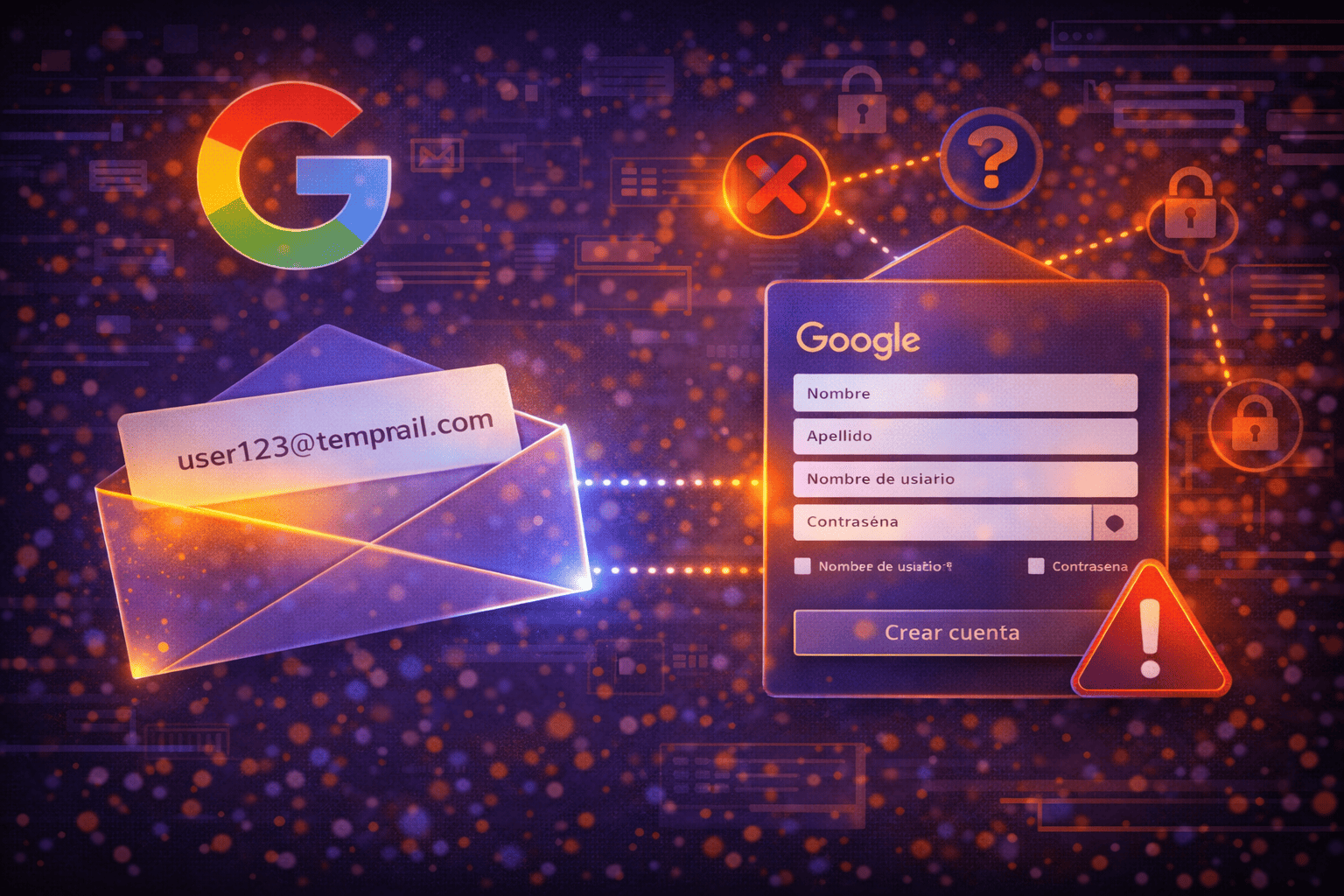
When it comes to your core Google accounts and services like Gmail, Drive, or YouTube, using a temporary email address is generally not recommended. Google prioritizes the security and long-term persistence of your accounts, making ephemeral emails unsuitable for primary registration or account recovery. While temporary email is an excellent tool for reducing your digital footprint and managing spam elsewhere online, its application with Google services is limited to very specific, non-critical scenarios and should always be approached with caution.
What is Temporary Email and Why Is It Appealing?
A temporary email, also known as a disposable or one-time email, is an address you can generate quickly without registration or providing personal information. Its primary purpose is to receive messages for a limited period, after which the address and its contents typically disappear. For services like MailTemp.co, this can range from instant guest inboxes for immediate, short-term needs to registered accounts offering saved addresses, unified inboxes, and storage, depending on your active plan and quota. This means retention isn't universally limited to just minutes or hours, offering more flexibility for various privacy needs.
The appeal of temporary email lies in its promise of enhanced privacy and a significant reduction in unwanted emails. By using a disposable address, you can:
- Avoid spam: Sign up for websites that send promotional emails without cluttering your main inbox.
- Reduce digital exposure: Keep your personal email address out of marketing databases or potential data breaches.
- Perform quick tests or registrations: Access content or try services that require an email, without committing your primary address.
Many users hope to extend these benefits to their interactions with Google, aiming for a similar level of anonymity or protection. However, the fundamental nature of Google's services and its stringent security policies complicate this aspiration.
Google's Priority: Account Security and Recovery
Google is one of the world's largest and most widely used platforms, and user security is an absolute priority. This translates into a rigorous approach to how accounts are created, verified, and recovered. For Google, your email address isn't just an identifier; it's the anchor of your digital identity within its ecosystem and the key to recovering your account if you forget your password or fall victim to an unauthorized access attempt.
When you create a Google account or use its services, the platform aims to establish a reliable and lasting connection with you. A temporary email, by its very ephemeral nature, contradicts this need for persistence and reliability. Google invests significantly in systems to detect and mitigate risks, including the use of email addresses it deems suspicious or non-permanent. This is why using a temporary email for a primary Google account can lead to significant issues.
Key Limitations of Temporary Email with Google
Given Google's emphasis on security and reliability, using temporary emails presents several critical limitations:
Active Detection and Blocking
Google employs sophisticated algorithms that can identify and block email addresses from known temporary email service domains. This means your attempt to register a Google account with a disposable email is very likely to be rejected immediately. Even if you manage to register initially, the account might be flagged for review or suspended later if Google detects that the associated email is not permanent.
Impossibility of Account Recovery
This is arguably the most severe limitation. If you ever lose access to your Google account (by forgetting your password or due to a hacking attempt), the recovery process relies fundamentally on access to your recovery email address or phone number. If your Google account is linked to a temporary email that has already expired or to which you no longer have access, there will be no way to recover your account. This could mean permanent loss of access to Gmail, Drive, Photos, YouTube, and any other associated service.
Long-Term Access Becomes Unviable
Google's services are designed for continuous use. You need constant access to your Gmail for important emails, your Drive for documents, YouTube to manage your channel, and so on. A temporary email, with its limited lifespan, makes long-term access to these services unsustainable. Once the temporary email expires, any future verification or communication from Google simply won't reach you, which can lead to your account becoming inoperable or blocked.
Risk of Data and Service Loss
If your Google account becomes inaccessible due to an expired temporary email, you could lose access to a vast amount of personal and professional data stored across its services. This includes documents, photos, videos, contacts, browsing history, and more. Furthermore, if you use your Google account to sign in to other applications or services (via 'Sign in with Google'), losing access to your Google account could also lock you out of those third-party services, creating a cascading effect of inconvenience and data loss.
When Can You Smartly Use Temporary Email with Google?
Despite the significant limitations for core account management, there are very specific, non-critical scenarios where a temporary email can be used with Google services to enhance privacy without jeopardizing your main accounts:
- Accessing Publicly Shared Content: Sometimes, a Google Doc or Sheet might require you to log in to view it, even if it's publicly shared. If you prefer not to use your main Google account for this one-off access, a temporary email might allow you to bypass the login prompt or create a very temporary, non-essential viewing profile.
- Testing Non-Critical Features or Services: Developers or testers might use a temporary email to create a throwaway Google account for isolated, non-account-critical testing of integrations or features, where the loss of the account would have no impact.
- Receiving Non-Essential Notifications: If a Google service sends out newsletters or non-critical updates that you're only casually interested in and don't mind missing later, a temporary email could be used. However, for any communication that might require a response or ongoing access, this is not advisable.
Important Caveat: In all these scenarios, you are not creating or managing a primary Google account. You are leveraging a temporary email for a very specific, low-stakes interaction where the potential loss of access is inconsequential.
MailTemp.co's Role in Enhanced Privacy
MailTemp.co offers a versatile solution for managing your online privacy, extending beyond the typical ephemeral nature of many temporary email services. While a MailTemp address should never replace your permanent recovery email for critical services like Google, it provides robust options for reducing your exposure across the internet.
- Instant Guest Inboxes: For truly one-off interactions where you need an email address immediately and don't care about long-term access, our guest inboxes are perfect. These are ideal for quick sign-ups on forums, accessing free content, or any situation where you want to avoid spam without commitment.
- Registered Accounts with Saved Addresses: For more persistent privacy needs, MailTemp.co allows you to register an account. This gives you the ability to save your temporary email addresses, create multiple aliases, and access them over longer periods, with unified inboxes and storage depending on your plan. This means you can maintain access to these addresses for weeks or months, using them for services where you need to receive occasional updates but still want to protect your main inbox.
MailTemp.co helps reduce unnecessary exposure of your primary email address, thereby mitigating spam and protecting your identity from marketing databases. However, it's crucial to understand that while we enhance your privacy, temporary email services, including MailTemp, do not guarantee anonymity, absolute security, identity protection, or zero risk, especially when interacting with platforms like Google that demand persistent identity verification.
Best Practices for Your Google Accounts
To truly protect your Google accounts and ensure uninterrupted access, always follow these best practices:
- Use a Permanent, Secure Email Address: Link your Google account to a reliable, long-term email address that you actively manage and can always access.
- Enable Two-Factor Authentication (2FA): This adds an essential layer of security, making it much harder for unauthorized users to access your account even if they have your password.
- Use Strong, Unique Passwords: Never reuse passwords, and create complex ones that are difficult to guess.
- Regularly Review Security Settings: Periodically check your Google Security Checkup to ensure all your settings are optimized for protection.
Conclusion
Temporary email services like MailTemp.co are invaluable tools for enhancing your online privacy and combating spam by reducing your digital footprint. They excel in scenarios where you need a quick, disposable address for non-critical sign-ups or to protect your main inbox from promotional clutter. However, when it comes to Google's ecosystem, the fundamental need for persistent account security and reliable recovery mechanisms means that temporary emails are largely incompatible with creating or maintaining core Google accounts. Use temporary emails wisely for their intended purpose, and always secure your primary Google accounts with permanent, trusted email addresses and robust security measures.
Comments: