Temporary Email for Facebook: A Smart Choice for Your Privacy?
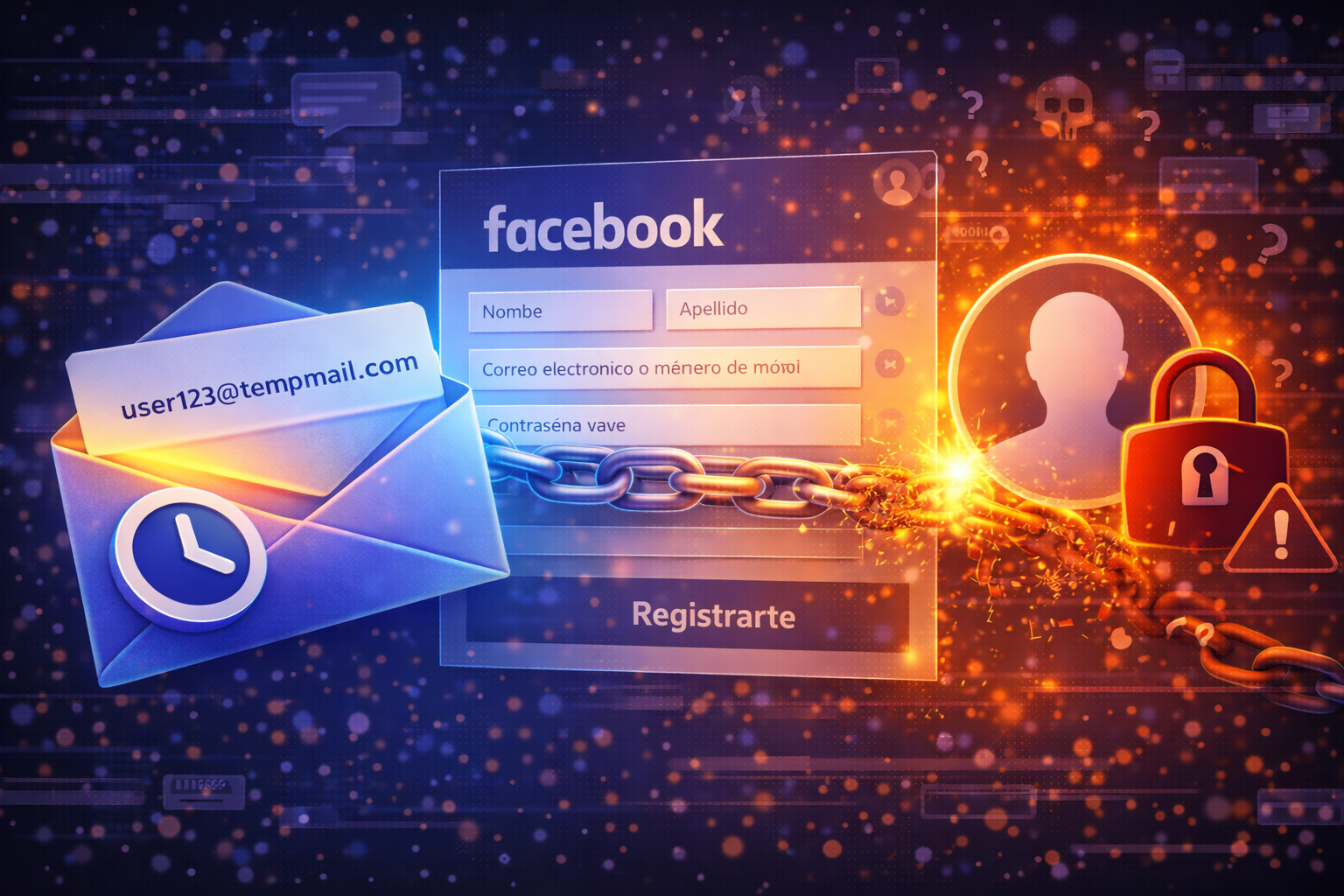
Yes, a temporary email can work for Facebook sign-ups and specific interactions, offering a layer of privacy for your main inbox. It's a smart option for those looking to avoid spam or test the platform without committing their personal email. However, it's crucial to understand that it is not a suitable solution for primary accounts or those requiring long-term access, as Facebook account recovery often relies on an email address to which you have consistent access.
Facebook, like many digital platforms, offers the option to create an account using an email address or a phone number. While most users opt for their personal email, this choice isn't always the most convenient or secure, especially if the goal is a brief interaction, a test, or simply keeping your main inbox free from unwanted mail.
Why Consider a Temporary Email for Facebook?
In the digital age, our email address is a gateway to much of our online life. Sharing it indiscriminately can lead to an avalanche of promotional emails, unwanted newsletters, and, in some cases, increased exposure to potential phishing attacks or spam. Using a temporary email for Facebook emerges as a strategy to mitigate these risks, allowing you to interact with the platform on your own privacy terms.
When a Temporary Email is a Useful Solution for Facebook
There are several scenarios where a temporary email can be an effective and beneficial tool when interacting with Facebook:
- Creating Test or Experimental Accounts: If you only want to explore Facebook's functionalities, test a new feature, or develop and test applications without using your main profile, a temporary email is ideal. It allows you to register quickly, verify the account, and then discard it without leaving a trace in your personal inbox.
- Non-Critical Secondary Accounts: For profiles that are not your primary account and will not store sensitive or personal information long-term, a temporary email can be a good option. This could include accounts for following a very specific interest, participating in a temporary group, or interacting with a one-off event.
- Avoiding Promotional Emails and Spam: Facebook, like other networks, can send notifications, updates, and sometimes promotional content. If you don't want these messages to reach your main inbox, a temporary email acts as a filter, protecting you from information overload.
- Quick, One-Off Registrations: For any situation where you need a quick registration and know the interaction will be limited in time, a temporary email offers the agility of instant verification without the commitment of a permanent address. Services like MailTemp.co offer an instant guest inbox that is perfect for these rapid needs.
The Risks: When NOT to Use a Temporary Email on Facebook
Despite its advantages, using a temporary email has significant limitations, especially when it comes to the security and longevity of your Facebook account. It is essential to understand when its use is not recommended:
- Primary or Long-Term Personal Accounts: Your main Facebook profile, where you share memories, connect with friends and family, and manage personal information, should never be linked to a temporary email. Long-term stability and accessibility are paramount.
- Profiles Linked to Businesses, Ads, or Brands: If you use Facebook for professional purposes, such as managing a business page, advertising campaigns, or customer interaction, a temporary email is a dangerous choice. Loss of access could have serious commercial repercussions.
- Account Access Recovery: This is the most critical point. Facebook heavily relies on your email address to verify your identity and allow you to regain access if you forget your password, if your account is compromised, or if it detects suspicious activity. If the temporary email is no longer active or you do not have access to it, recovering your Facebook account will become extremely difficult, if not impossible. Temporary email services that offer retention limited to minutes or hours are particularly problematic in this regard.
- Accounts with Sensitive Information: Any Facebook account containing personal or sensitive information that you wish to protect long-term should not be linked to a temporary email.
The Process: How Registration with a Temporary Email on Facebook Works
The process of registering on Facebook using a temporary email is surprisingly simple and similar to using a conventional email:
- Obtain a Temporary Email: Access a service like MailTemp.co and generate a temporary email address. With MailTemp, you can get an instant guest inbox without needing to register, or create an account for saved addresses and greater control.
- Start Facebook Registration: Go to the Facebook registration page and select the option to create an account with an email address.
- Enter the Temporary Email: Copy and paste the temporary email address into the corresponding Facebook field.
- Complete Remaining Details: Fill in the rest of the information requested by Facebook (name, date of birth, password, etc.).
- Email Verification: Facebook will send a code or a verification link to the email address you provided.
- Access the Temporary Inbox: Return to the inbox of your temporary email service (like MailTemp) and you will find the Facebook verification email. Click on the link or enter the code to complete registration.
As long as the temporary email is active and accessible, verification will proceed smoothly. The key lies in the duration of the inbox's activity and your ability to access it when needed.
Beyond Registration: Privacy and Security Considerations
It is fundamental to have a clear understanding of what a temporary email can and cannot do for your privacy and security on Facebook. While it reduces the exposure of your main email, it is not a silver bullet for all security problems.
What a Temporary Email Offers and Doesn't Offer
- Reduces Exposure: Its primary benefit is minimizing the number of times your personal email address, and therefore your main digital identity, is shared with third parties or platforms that could generate spam.
- Does Not Guarantee Total Anonymity: While it aids privacy, a temporary email alone does not guarantee complete anonymity on Facebook. The platform collects other data (IP address, activity, device information) that can be linked to your identity.
- Does Not Replace Robust Security: A temporary email is not a comprehensive security measure. It does not protect your Facebook account from hacking attempts if your password is weak, nor from social engineering.
- Risk of Access Loss: As mentioned, if the temporary email service has very short retention (minutes or hours) and you cannot access the inbox for future verifications or recoveries, you run the risk of permanently losing access to your Facebook account.
This is where the choice of temporary email service becomes important. While some services offer truly disposable inboxes with very limited lifespans, others, like MailTemp.co, provide more robust options. With a registered MailTemp account, you can save your temporary email addresses, have a unified inbox, and storage for your emails, allowing you to maintain access to those addresses for longer, depending on your plan and quota. This mitigates the risk of access loss for secondary or test accounts that you might need for a more extended period.
MailTemp.co: A Tool for Managing Your Online Privacy
MailTemp.co is designed to offer flexibility and control over your email privacy. We understand that not all interactions require the same duration or level of commitment. That's why we offer:
- Instant Guest Inbox: Ideal for quick verifications and one-off registrations without needing to create an account. Perfect for those rapid Facebook tests.
- Registered Accounts with Saved Addresses: If you need to use a temporary address for longer, or for multiple platforms, you can register and save your addresses. This gives you the peace of mind of being able to access them when you need them, overcoming the limitation of inboxes that disappear in minutes.
- Unified Inbox and Storage: For registered users, MailTemp offers a centralized inbox where you can manage all your temporary emails, along with storage to maintain a history of your communications. This is invaluable for secondary Facebook accounts that you might need to consult occasionally.
Our flexibility in address retention and the ability to manage multiple temporary inboxes allows you to adapt your privacy strategy to your specific needs, whether for an ephemeral test or for a secondary Facebook account you wish to maintain for a while.
Best Practices for Your Facebook Account Security
Regardless of whether you use a temporary email for a secondary account or your primary email for your main profile, the security of your Facebook account is paramount:
- Use a Reliable Primary Email: For your main Facebook account, use a personal email address to which you have constant access and which is protected with a strong password and two-factor authentication. This will be your lifeline for account recovery.
- Enable Two-Factor Authentication (2FA): This is one of the most effective security measures. It adds an extra layer of protection, requiring a code from your phone or an authenticator app in addition to your password.
- Strong, Unique Passwords: Never reuse passwords. Create long, complex passwords that combine letters, numbers, and symbols.
- Regularly Review Privacy Settings: Facebook offers many privacy options. Take time to configure them to control who sees your information and posts.
- Stay Alert for Phishing Attempts: Be skeptical of emails or messages requesting your Facebook credentials, even if they appear to come from the platform itself. Always verify the source.
In summary, a temporary email can be a valuable ally for your privacy on Facebook, especially for non-critical uses and to keep your main inbox free from clutter. However, its choice and application must be strategic. For your most important accounts, always prioritize security and long-term accessibility with a robust personal email. For the rest, services like MailTemp.co offer you the flexibility to protect your privacy without sacrificing functionality.
Comments: